IPTV Codes for Sports: Test Before Kickoff (Sept 2026)
1 September 2026 · 8 min read
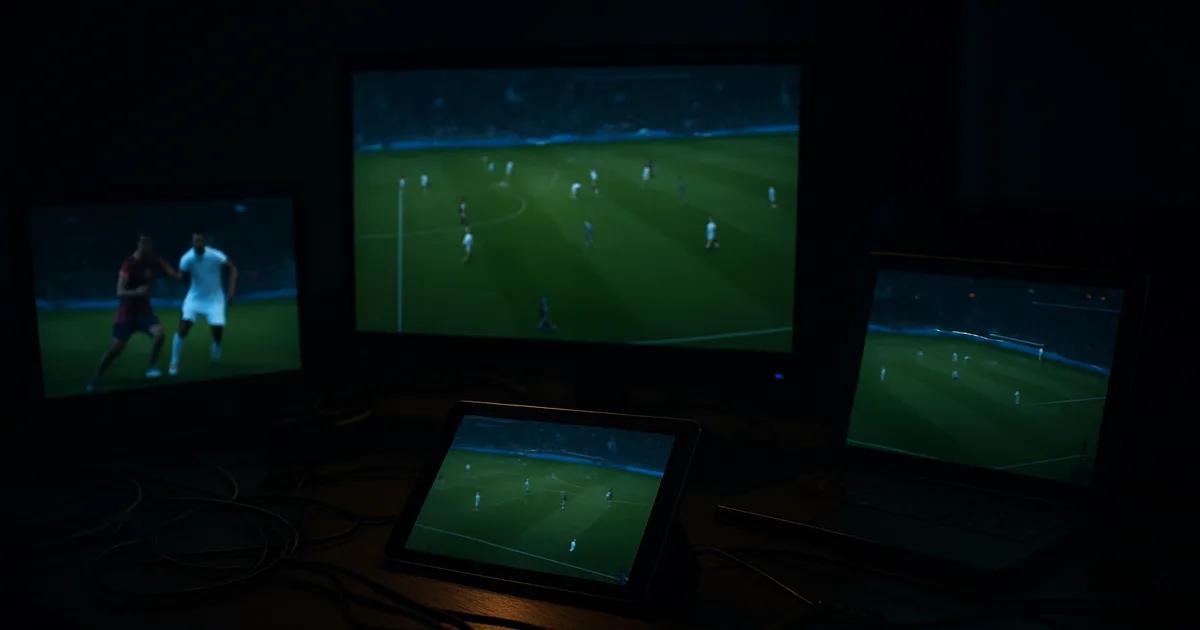
Every 'best IPTV code' article reads the same way: a table of logos, a channel count, a star rating, and a buy button. None of it tells you what actually happens when 40,000 other people in the UK try to stream the same match at the same second your kickoff whistle blows. Specs are a promise. A live match is the only test that matters.
September 2026 is prime testing season: World Cup qualifying play-offs are live now, with fixtures like England vs Albania putting real load on networks this month, Champions League matchweek 1 lands on 17-18 September, and ISP blocking is actively targeting hundreds of IP addresses per match day. This is when IPTV codes rise or fall in real time, not in theory.
The fix isn't finding the 'right' provider on paper. It's running a short, structured test — 3 to 4 codes, side by side, across one real match day — and letting uptime and picture quality under pressure make the decision for you. Below is exactly how to run that test this week, before Champions League week 1 arrives.
Why 'Best IPTV Code' Lists Don't Cut It for Sports
Comparison pages are built to be skimmed and shared, not to survive a 90-minute stress test. They compare advertised channel counts and device compatibility, which tells you nothing about server load during a Champions League kickoff or how a provider's infrastructure behaves when a court-ordered ISP block hits mid-match.
Sports streaming is a different workload than a film library. On-demand content tolerates a few seconds of buffering because nothing changes if you pause it. A live goal does not wait for your stream to catch up. The providers that look identical in a feature table can behave completely differently once thousands of viewers hit the same fixture at once — and no static list captures that, because it's measured once, weeks before match day, under no real load.
That's the gap this guide fills. Instead of ranking providers by what they claim, you run a short live test and rank them by what they actually deliver when it counts.
Not sure which trial codes are worth activating this week?
The Testing Frame: 3-4 Codes, 1 Match Day, Real Results
The method is simple. Pick one upcoming fixture — a qualifier this month or a Champions League matchweek 1 game on 17-18 September — and activate 3 to 4 trial codes ahead of it. Load them onto the same device, or onto identical setups if you're testing across a Firestick and a smart TV app, so the only variable is the code itself.
Start each stream roughly 15 minutes before kickoff, which is also when demand spikes and any weaknesses in a provider's server capacity tend to surface first. Keep all 3-4 running (or cycle through them every 10-15 minutes) through kickoff, half-time, and at least one high-traffic moment like a goal or a red card, when concurrent viewers on every service jump.
Log what you see in real time rather than relying on memory afterwards — a note on your phone with timestamps is enough. This single match day gives you more usable signal than a month of reading reviews, because you're comparing identical conditions across every code at once.
If you haven't finalised your playback setup yet, sort that out before match day rather than during it — our guides to the best IPTV player options for Firestick in the UK and to setting up EPG properly will save you from troubleshooting your app instead of watching the game.
Codes to Trial This Week
Focus your search on Xtream-format codes offering short trials — typically 24 to 48 hours — since that window comfortably covers a single match day without committing to anything longer. Xtream-format access is the most common structure for this kind of code because it plugs into most third-party players without extra configuration, which matters when you're setting up multiple trials at once and don't want app compatibility to be the thing that fails.
Rather than naming specific providers here — availability and trial terms shift week to week, and a name printed today can be outdated by kickoff — treat this as a checklist for whoever you're evaluating: confirm the trial explicitly covers live sports channels (some free trials restrict access to VOD only), confirm it works with the player and device you're actually testing on, and confirm you're not being asked for payment details just to start a free trial.
If you want a head start on filtering candidates before committing testing time to them, our Premier League setup and speed-check guide covers what a provider's stream metadata should look like before you even press play.
What to Watch For: Uptime, Buffering, Freeze Rate, ISP Blocking Recovery
Uptime is the baseline question: did the stream stay connected from kickoff to full time, or did it drop entirely at any point? A single full disconnection during a match is a harder fail than several short stutters, because reconnecting mid-action means missing something you can't get back.
Buffering frequency matters more than buffering length. A provider that buffers for two seconds every ten minutes is more usable than one that buffers for five seconds once but then again three more times in the next twenty. Count the interruptions, not just their duration — our guide to fixing live-match buffering on UK IPTV goes deeper into diagnosing whether a stutter is on the provider's end or your own connection.
Freeze rate — the picture locking on a single frame while audio keeps playing, or vice versa — is a distinct failure mode from buffering and tends to correlate with server-side congestion rather than your own bandwidth. If one code freezes repeatedly while the others don't, under identical conditions, that's a strong signal about that provider's capacity headroom.
Finally, watch recovery time after any interruption. A code that drops for three seconds and snaps back to live is far more usable during a live match than one that takes thirty seconds to reconnect and dumps you fifteen seconds behind real time — which, on a football stream, is long enough to see a goal celebrated on social media before you've seen it happen.
How ISP Blocking Hits Codes Differently
September 2026 court orders targeting streaming piracy have UK ISPs actively blocking hundreds of IP addresses tied to unauthorised broadcasts on major match days, and Xtream-format endpoints are a direct target of that enforcement because the underlying server address is what actually gets blocked, not a domain name you can simply retype.
This is exactly why testing multiple codes matters more than picking one and hoping. Two providers can look identical on a normal Tuesday and behave completely differently on a blocking-heavy match day, because one has diversified its server infrastructure and rotates addresses when blocked, while the other doesn't and simply goes dark until the provider manually resolves it — which can take hours during a live match, effectively ruling it out for that fixture entirely.
If you're testing during a period when blocking is active, a VPN is often the deciding factor in whether a otherwise-solid code survives the match. Our guide on VPNs, ISP blocking and throttling for UK IPTV explains how to set that up as part of your test rather than as a panic measure once a stream already dies mid-match.
Free vs Paid Trials: The Math for 1-3 Month Commitments
A free 24-48 hour trial tells you how a provider performs on one match day, under whatever server load happens to exist at that moment. It does not tell you how that provider performs across a full month of fixtures, when server capacity, IP rotation policy, and support responsiveness get tested repeatedly rather than once.
That's the practical argument for treating your first paid period as a short commitment rather than a long one, once your live test has narrowed the field to one or two providers. A shorter plan costs more per month than a longer one, but it caps your downside while you confirm that match-day performance holds up beyond the single fixture you tested — a genuinely important checkpoint given how much can change between one match and the next as blocking activity fluctuates.
Only move to a longer commitment once you've watched a provider hold up across more than one high-demand fixture. If you tested during the World Cup qualifiers this month, use the first Champions League matchweek on 17-18 September as your second data point before deciding anything longer-term.
Once your test picks a winner, see the plans built for a full football season.
Post-Trial Decision: When to Upgrade, When to Walk
Upgrade a code when it held a stable connection through your test fixture's highest-demand moments — kickoff and any goal — with short, infrequent buffering and a fast recovery from any drop. Consistency under pressure is the entire point of this exercise; a provider that performs well when nobody else is watching hasn't actually been tested.
Walk away from a code that dropped entirely during a high-traffic moment, took more than a few seconds to recover from an interruption, or went dark during active ISP blocking without any sign of rerouting. These aren't one-off bad luck — they're structural weaknesses that will repeat on the next big fixture, and Champions League week 1 is a bigger test than most qualifiers.
If your test leaves you between two close options, run one more live comparison during matchweek 1 before committing. The small extra time costs nothing next to a month spent locked into a service that fails during the exact games you subscribed to watch.
Frequently asked questions
How many IPTV codes should I test at once for a fair comparison?
Three to four is the practical sweet spot. Fewer than that and you don't get enough contrast to spot a genuine pattern; more than that becomes hard to monitor accurately during a single live match, especially around goals or other high-traffic moments when your attention is split.
Do I need a VPN to properly test IPTV codes during football matches?
Not for the test itself, but running one is worth including if you're testing during a period of active ISP blocking, since it removes one variable that can otherwise make a genuinely solid code look like it failed. See our VPN and ISP blocking guide for setup details.
What's the difference between buffering and freezing on an IPTV stream?
Buffering is the stream pausing to reload data, usually shown as a loading icon. Freezing is the picture locking on one frame while playback technically continues, sometimes with audio still running. They point to different causes, so tracking them separately during your test gives a clearer picture of where each provider actually struggles.
Should I test with free trials or is it worth paying for a short trial period?
Start with free 24-48 hour trials wherever a provider offers one that explicitly includes live sports channels. Reserve paid short-term plans for the one or two providers that clear your free-trial test, so you're paying to confirm consistency rather than paying to discover whether a provider works at all.
Why does the same IPTV code perform differently on different match days?
Server load and ISP blocking activity both vary by fixture. A Tuesday night qualifier and a Champions League matchweek 1 night draw very different viewer numbers and enforcement attention, so a code that held up on one can behave differently on the other — which is exactly why a single test isn't the end of the process.
What device setup should I use to test IPTV codes fairly?
Keep the device and player identical across every code you're comparing, whether that's a Firestick, smart TV app, or set-top box. If you haven't settled on a player yet, our Firestick IPTV player guide and EPG setup guide are worth sorting out before match day so the test measures the codes, not your app configuration.
Read next: the pricing page, the setup tutorial or the FAQ.