IPTV EPG Setup Guide: UK TV Guide in Minutes
7 August 2026 · 9 min read
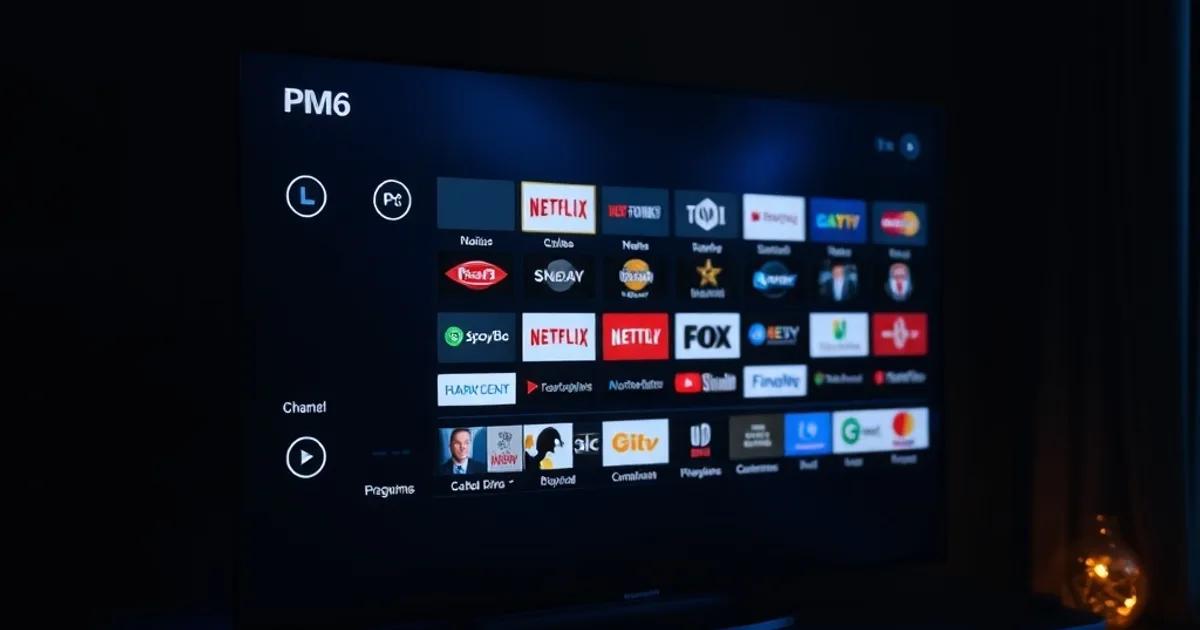
A channel list without an EPG is just a wall of numbers. Electronic Program Guide data is what turns IPTV into something that feels like cable: schedules, programme descriptions, episode titles, and the little progress bar that tells you how far into the match you are. Get it wrong and you're guessing kick-off times from memory. Get it right and your app looks — and behaves — like a proper TV guide.
The Premier League 2026/27 season kicks off on Friday 21 August 2026, and every August the same pattern repeats: people who set up IPTV for the football rarely bother with the EPG until week two, when they realise they've been flicking through unlabelled channel numbers to find kick-off. EPG quality is also one of the sharpest differences between the major apps — TiviMate's multi-source EPG engine is widely regarded as best-in-class, while IPTV Smarters Pro trades some of that depth for a simpler, faster setup. Which one suits you depends on how much control you want.
This guide walks through both apps properly, the timezone and channel-matching problems that trip up UK users specifically, where to find reliable UK XMLTV sources, and a pre-season checklist so your guide is actually usable before the first whistle.
What Is IPTV EPG and Why It Matters for UK Viewers
EPG stands for Electronic Program Guide — the same underlying concept that powers the guide on a Sky or Virgin Media box, adapted for IPTV. Technically, it's an XML file (in the XMLTV format) that maps programme data — titles, start/end times, synopses — onto specific channel IDs. Your IPTV app downloads that file, matches it against your channel list, and overlays it as a scrollable grid.
Without it, your app shows a bare list: 'BBC One', 'Sky Sports Main Event', a channel number, and nothing else. You have no way of knowing what's on now, what's on next, or when a match actually starts without leaving the app to check elsewhere. With a working EPG, you get a proper timeline view, the ability to tap 'remind me' or jump to catch-up, and — critically for sport — a visual sense of how much of the current programme is left.
For UK viewers this matters more than in most markets, because the schedule itself is dense: Premier League, EFL, Champions League, plus the BBC/ITV/Sky/TNT split for different competitions. A good EPG is the only realistic way to keep track of which channel is showing which fixture on a given Saturday without cross-referencing three different websites.
Not sure whether your provider's EPG will map cleanly to TiviMate or Smarters?
TiviMate EPG: Multi-Source Setup & Automatic Channel Matching
TiviMate's EPG system is the main reason power users choose it over other apps. Instead of relying on a single guide source, it lets you stack multiple XMLTV URLs — so if one source is missing a channel or has stale data, a second source fills the gap. Go to Settings > Playlists, select your playlist, and under EPG you can add more than one XMLTV link; TiviMate merges them automatically.
The part that causes the most confusion is channel matching. TiviMate matches EPG data to channels using the channel ID (tvg-id) defined in your playlist, not the channel name. If your provider's channel is labelled 'Sky Sports Main Event UK' but the XMLTV source uses a slightly different ID, the match fails silently and that channel just shows no guide data. TiviMate has a manual matching tool for exactly this: long-press the channel, choose 'Edit channel', and you can manually assign it to the correct EPG entry from a searchable list.
It's worth doing this matching pass once, properly, rather than living with gaps. Spend fifteen minutes going channel by channel through your main sports and news channels — the ones you'll actually use during the season — and manually confirm each match. It's tedious once and invisible forever after.
If you haven't already confirmed your connection can handle live playback cleanly before layering EPG data on top, it's worth running through our guide on how to properly test your IPTV connection with a device-specific speed test — a flaky stream is a separate problem from a missing guide, and it's easy to conflate the two when something looks wrong.
IPTV Smarters Pro EPG: Quick Setup & Catch-Up TV
IPTV Smarters Pro takes a simpler approach. In most cases, if your provider supplies a Xtream Codes-style connection (server URL, username, password), the EPG comes bundled automatically through the same API — there's no separate XMLTV URL to add manually. This is the app's biggest advantage for anyone who doesn't want to fuss with settings: it tends to just work out of the box.
The trade-off is control. Smarters doesn't offer the multi-source stacking or the granular manual channel-matching tool that TiviMate has. If the bundled EPG data is thin or missing for a channel, your options for fixing it are more limited — you're largely dependent on your provider's own guide data quality rather than being able to patch it with a third-party XMLTV source.
Where Smarters does well is catch-up and archive integration for providers that support it — some channels let you tap back through the EPG grid to previous days and play recently-aired programmes directly, which is a genuinely useful feature for anyone who misses a kick-off and wants to watch a match a few hours late rather than chase a clip online.
If you're deciding between the two apps specifically for the new season, the honest answer is: TiviMate if you want a guide you can fix and fine-tune yourself, Smarters Pro if you want something that works with minimal setup and you're comfortable with whatever guide data your provider delivers.
Fixing Common EPG Issues: Timezone, Missing Channels, Sync Lag
The single most common UK-specific EPG bug is a one-hour offset — programmes showing as starting an hour early or late. This is almost always a timezone mismatch between the XMLTV source (which may be timestamped in UTC or a different local timezone) and your app or device's system clock setting. In TiviMate, check Settings > General > Time zone and make sure it's explicitly set to your local zone rather than left on 'automatic', which can misread some device configurations. The clock issue gets worse twice a year around the UK's clock changes, so if your guide suddenly looks an hour off in late October or late March, this is the first thing to check.
Missing channels are usually a tvg-id mismatch, as covered above — the fix is manual matching, not re-downloading the playlist. Re-adding the same source repeatedly won't resolve a naming mismatch; only pointing the channel at the correct EPG entry will.
Sync lag — where the guide loads but shows yesterday's schedule, or doesn't update to reflect today's fixtures — is typically a caching issue. Most apps refresh EPG data on a timer (often every few hours) rather than on every app open. If you need it fresh immediately, look for a manual 'Refresh EPG' or 'Force update' option in the app's playlist or EPG settings rather than waiting for the automatic cycle.
If none of that resolves it, the underlying cause is sometimes not the EPG at all but a broader connection issue on that channel or server — worth ruling out with a proper speed and stability check before assuming the guide data itself is broken.
Best UK EPG Sources & XMLTV URLs (7-Day Guides)
Most UK-focused IPTV providers bundle their own XMLTV feed with the subscription, and that's the sensible starting point — it's usually already mapped to the exact channel IDs your playlist uses, which avoids the matching headache entirely. Check what your provider supplies before looking elsewhere.
For TiviMate users who want a second source to fill gaps, there are community-maintained free XMLTV aggregators covering UK terrestrial and satellite channels with several days of forward guide data, which is enough to plan a weekend of football around. Quality and channel coverage on free public sources varies and can go offline without notice, which is exactly why TiviMate's ability to stack a second source as a fallback is valuable rather than cosmetic.
A practical rule: prioritise depth over breadth. A guide with three accurate, well-matched days of data on the channels you actually watch — Sky Sports, TNT Sports, BBC, ITV — beats a seven-day guide riddled with mismatches on channels you never open.
EPG vs No EPG: Experience Comparison
Without EPG, opening your app for Saturday's 3pm kick-offs means scrolling a flat channel list, tapping into each sports channel individually, and checking by eye whether the right fixture is on — repeated for every channel until you find the right one. There's no indication of what's coming up next, so post-match analysis and the following fixture are both a guess.
With EPG active, the same task is a single scroll down the grid: channel names next to programme titles and times, sport fixtures labelled with team names where the source data includes them, and a visual timeline so you can see at a glance that the match you want starts in twenty minutes on a different channel than the one currently open. The difference isn't cosmetic — it's the gap between an app that feels like a cable box and one that feels like a folder of unlabelled links.
This is also where device choice starts to matter, since EPG grids are more comfortable to navigate with a remote on a big screen than by thumb on a phone. If you're still deciding what to run TiviMate or Smarters on for the season, it's worth checking our device recommendations before committing, since screen size and remote input both affect how usable a dense guide actually feels day to day.
Get a guide-ready UK IPTV setup sorted before Premier League kicks off August 21.
Final Setup Checklist: Ready for Premier League August 21
Before the season opener on Friday 21 August 2026, run through this list rather than discovering gaps mid-match: confirm your app (TiviMate or Smarters Pro) has an active EPG source loaded and visibly populating data, not just a channel list. Check your device or app timezone is explicitly set, not left on automatic. Manually match your core sports and news channels if you're on TiviMate, since automatic tvg-id matching misses channels often enough to be worth a manual pass. Force a fresh EPG refresh a day or two before kick-off rather than trusting a stale automatic cycle. And separately, confirm your connection itself holds up under live match load — a perfect guide on a stream that buffers during a goal is no improvement at all.
None of this takes more than half an hour done properly, and it's the difference between opening the app on matchday and immediately knowing what's on, versus hunting through channel numbers while the game's already kicked off.
Frequently asked questions
Why does my IPTV EPG show the wrong time for UK channels?
This is almost always a timezone mismatch between the XMLTV guide source and your device's clock setting. Set your app's timezone explicitly to your local UK zone rather than 'automatic', and re-check it around the UK's clock-change dates in late March and late October.
Is TiviMate's EPG better than IPTV Smarters Pro's?
TiviMate offers more control — multiple stacked XMLTV sources and manual channel matching — which makes it stronger for fixing gaps yourself. Smarters Pro is simpler and often works automatically out of the box via the provider's bundled guide data, but gives you fewer tools if that data is incomplete.
Why are some channels missing EPG data even though the guide is loaded?
The guide source and your channel list are usually mismatched on channel ID (tvg-id) rather than channel name. On TiviMate, use the manual channel-matching tool to link the affected channel to the correct EPG entry directly.
Do I need a separate XMLTV URL, or does my provider supply the EPG?
Most UK-focused providers bundle a matching XMLTV feed with the subscription, which is usually the most reliable option since it's pre-mapped to their own channel IDs. Check what's included before adding a third-party public source.
Will EPG setup affect my stream quality or buffering during matches?
No — EPG is purely guide metadata layered on top of your channel list and doesn't affect stream delivery. If matches buffer, that's a separate connection or server-load issue, worth testing independently of any EPG troubleshooting.
Read next: the pricing page, the setup tutorial or the FAQ.